
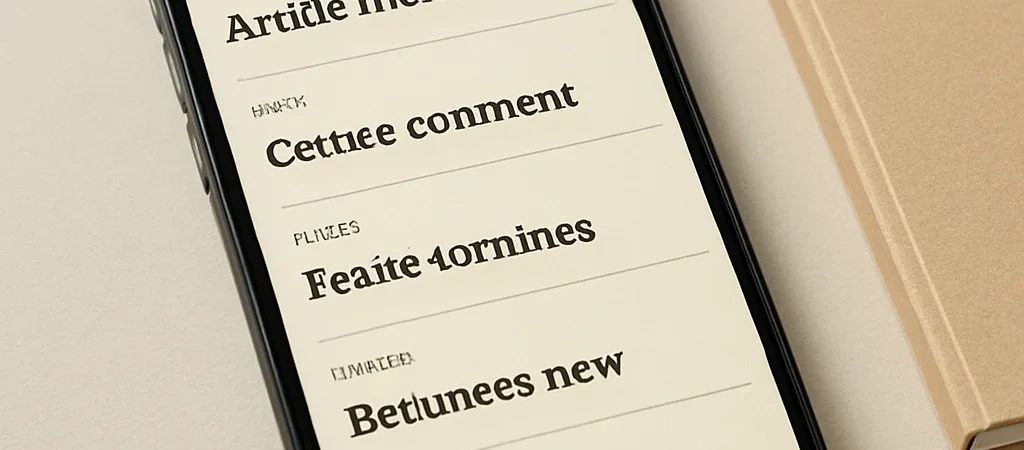
On a phone, an archive that looks airy on a desktop can collapse into tiny labels, clipped headlines, and dates that seem detached from their posts. Readers should not have to zoom in to figure out what’s new or where an older article belongs. Start with the narrow screen, where every piece of information has to earn its space.
Give each post room
Stack archive entries in a simple column and keep the headline, category, and publication date close together. Let long headlines wrap naturally instead of forcing them into a narrow card or truncating them before the useful words appear. A little vertical spacing makes the list easier to scan and each article easier to return to.
Make the order obvious
A clear “Newest first” structure saves readers from having to infer the timeline from a handful of dates. When older articles are divided into years or months, make those groupings visible and consistent rather than relying on subtle shifts in color. The reading order should remain understandable whether the archive is viewed on a phone, tablet, or wide monitor.
Check the actual reading
Preview the archive at a phone width and try to find one recent article and one older one by category. Notice whether dates stay attached to headlines, labels are comfortable to read, and the page avoids sideways scrolling. If the path is clear on a small screen, the archive usually feels calmer everywhere else too.